
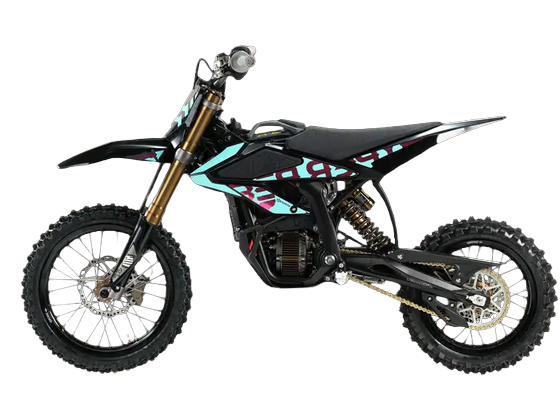
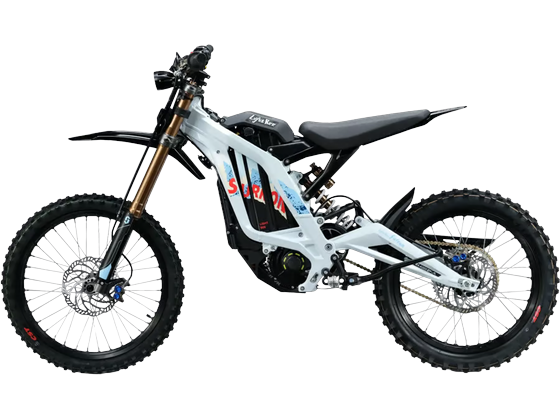
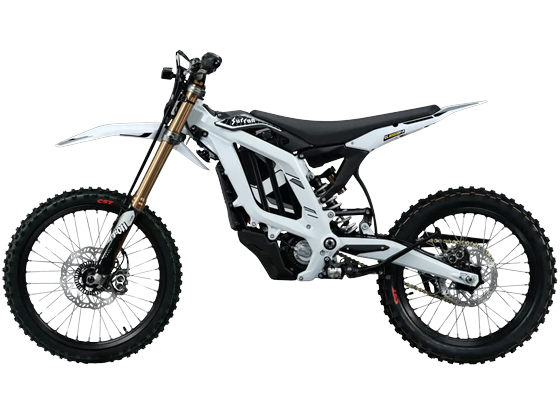
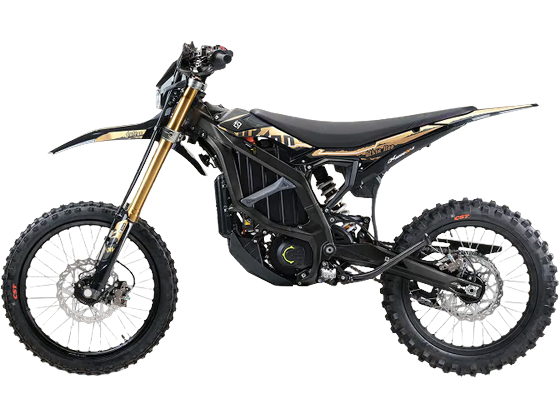

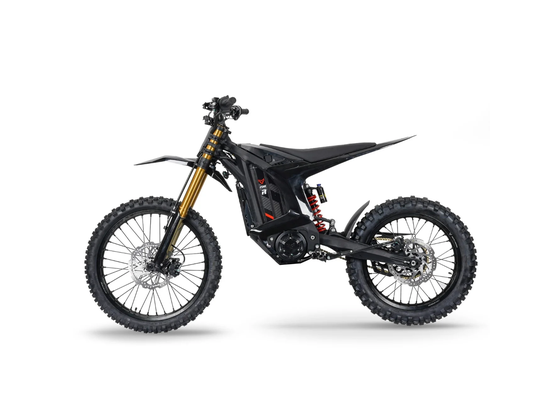


Surron Function Settings Guide
Dashboard and vehicle function settings for the latest Surron models.
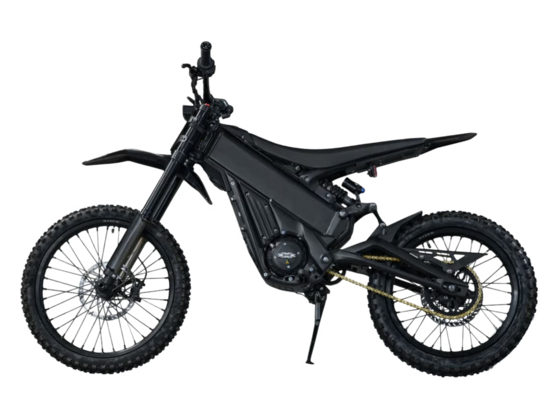
Surron Light Bee 2
Important: Upon Delivery — Before Your First Ride
- Fully charge the battery before using your new motorcycle for the first time.
- Remove the battery, locate the black clip underneath the rear shock absorber, and release it to deactivate transport mode.
Complete both steps before you start using the motorcycle.
How to Set the Dashboard Language to English
The Light Bee 2 has a full-color TFT dashboard with an English-language interface. If your motorcycle arrives with the dashboard set to Chinese, follow these steps:
- Keep the motorcycle stationary and turn on the dashboard.
- Press and hold the Settings button on the right handlebar to enter the settings menu.
- Find 语言设置 (Language Settings).
- Change the language to English.
- You can then read the menus in English and adjust the available vehicle settings to suit your preferences.
Dashboard Function Settings
Use the English dashboard menus to select a function and adjust its available settings directly on the motorcycle.
Riding Modes
| Mode | Description |
|---|---|
| E – Eco | Mild power delivery designed for efficiency and maximum range. |
| D – Daily | Smooth and balanced power delivery for normal riding. |
| S – Sport | Stronger and more responsive power delivery. |
| M – Custom | Customizable riding mode allowing the rider to adjust multiple vehicle performance parameters. |
| Turbo | Maximum-performance mode with the strongest acceleration and peak power output. |
| L – Crawl | Low-speed mode designed for technical terrain and precise control. |
| R – Reverse | Low-speed reverse assistance. |
M Custom Mode
M Custom Mode allows the rider to personalize the motorcycle's power delivery directly from the dashboard.
- Power output
- Torque delivery
- Maximum speed
- Throttle response
- Regenerative braking
- Brake priority
- Tilt protection
- Other available electronic riding functions
SRTC Traction Control
The Light Bee 2 is equipped with Surron's off-road SRTC traction-control system. Three selectable levels allow the rider to adjust traction-control intervention according to terrain and riding conditions.
SURRON Wheelie Control (SWC)
The SWC system uses the motorcycle's IMU to monitor the pitch angle and automatically control motor output during a wheelie.
| N1 – Beginner | Provides greater electronic assistance and is available at any battery level. |
| N2 – Advanced | Provides a more advanced wheelie-control mode and is available when the battery level is below 90%. |
Additional Adjustable Functions
- Regenerative braking
- Throttle response
- Power characteristics
- Traction control
- Wheelie control
- Brake priority
- Tilt protection
- Crawl mode settings
- Speed and riding-related dashboard settings
2026 Surron Light Bee X
How to Enter the Settings Menu
- Keep the motorcycle switched off from the READY state while the dashboard remains powered on.
- Press and hold the two buttons on the right handlebar at the same time.
- Hold the buttons until the dashboard enters the System Function Settings menu.
The letter on the left represents the function being adjusted.
The number on the right represents the selected level or option.
Button Operation
- Use the SET button to cycle through the different functions.
- Use the READY button to change the selected option.
- If no button is pressed for approximately 10 seconds, the settings will be saved automatically and the menu will close.
Function Settings
| Code | Function | Settings |
|---|---|---|
| E | Regenerative Braking | E0 – Off E1 – Level 1 E2 – Level 2 / Factory Default E3 – Level 3 E4 – Level 4 E5 – Maximum Regen |
| C | Tilt Protection | C0 – Off C1 – On / Factory Default |
| P | Brake Priority |
P0 – Off / Factory Default P1 – On |
| F | Throttle Response / Throttle Range |
F1 – Factory Default F2 – Medium F3 – More Responsive |
| q | SURRON Wheelie Control (SWC) |
q0 – Off q1 – On |
| H | Auto Hold |
H0 – Off H1 – On |
| U | Charging Power | U1 – 400W U2 – 850W / Factory Default |
| Y | Speed Unit |
Y1 – km/h Y2 – MPH |
2026 Surron Ultra Bee HP
How to Enter the Settings Menu
- Keep the motorcycle stationary.
- The motorcycle may be in normal operating mode or with the side stand down.
- Press and hold the ASR button on the left handlebar and the READY button on the right handlebar at the same time for more than 2 seconds.
- The dashboard will enter the System Function Settings menu.
Button Operation
- Short press the ASR button to cycle through the functions.
- Short press the READY button to change the setting level.
- The system automatically exits after a period of inactivity.
| Code | Function | Settings |
|---|---|---|
| B | Brake Regenerative Braking | B0 – Off B1 – Level 1 B2 – Factory Default B3 – Level 3 B4 – Level 4 B5 – Maximum |
| E | Coast / Off-Throttle Regenerative Braking | E0 – Off E1 – Level 1 E2 – Level 2 E3 – Factory Default E4 – Level 4 E5 – Maximum |
| A | ASR Traction Control | A1 – Level 1 A2 – Factory Default A3 – Maximum Assistance |
| P | Brake Power Cut-Off |
P0 – Off / Factory Default P1 – On |
| C | Tilt Protection | C0 – Off C1 – On / Factory Default |
| T | Diagnostic Device Mode |
T0 – Off / Factory Default T1 – On |
| F | Throttle Sensitivity |
F1 – Factory Default F2 – Increased Sensitivity F3 – Highest Sensitivity Applies to Sport mode only. |
| U | Charging Power | U1 – 480W U2 – 750W U3 – 1100W / Factory Default |
| L | Crawl Mode | L1 – Lowest Crawl Speed L2 – Factory Default L3 – Highest Crawl Speed |
| M | Throttle Free Play | M1–M5 – Progressively less throttle free play M2 – Factory Default |
| W | SURRON Wheelie Control (SWC) |
W0 – Off / Factory Default W1 – On |
| Z | Auto Hold |
Z0 – Off / Factory Default Z1 – On |
2026 Surron Hyper Bee
How to Enter the Settings Menu
- Keep the vehicle stationary and powered on.
- Make sure the motorcycle has not entered the READY state.
- Press and hold the two buttons on the left handlebar to enter the settings menu.
- The upper button cycles through the function menus.
- The lower button cycles through the available settings for the selected function.
| Code | Function | Settings |
|---|---|---|
| E | Regenerative Braking | E0 – Off E1 – Level 1 E2 – Factory Default E3 – Maximum |
| F | Throttle Sensitivity |
F1 – Factory Default F2 – Medium F3 – Highest Sensitivity |
| G | Horn / Speaker Sound | G1 – G7 Different selectable horn / sound effects. |
| C | Tilt Protection | C0 – Off C1 – On / Factory Default |
| T | Hyper Bee Remote Pairing |
T0 – Pairing Mode Off T1 – Pairing Mode On |
| I | Bluetooth Headset Pairing |
I0 – Pairing Mode Off I1 – Pairing Mode On |
| M | Speed Unit | M1 – km/h M2 – MPH |
The Hyper Bee cannot be ridden while the System Function Settings menu is open. Exit the settings menu before activating READY mode.
Function availability and factory-default settings may vary slightly depending on production batch, regional version and firmware version. Always make adjustments while the motorcycle is stationary.